The Frustration of the 'Unit Test Amnesia'
Every math teacher knows this gut-wrenching experience: in October, your class spends three weeks mastering multi-digit addition with regrouping. Everyone scores 90% on the Friday unit test.
Fast forward to January, you ask a simple addition problem during warm-ups, and half the class stares at you with blank expressions like they have never seen a plus sign before.
The Problem: "Blocked practice"—teaching one skill in isolation and never revisiting it—creates the illusion of mastery. Without regular review, students rapidly succumb to the Ebbinghaus forgetting curve. But assembling mixed spiral review sheets every week by copy-pasting from different curriculum books takes forever.
The Solution: Cognitive research demonstrates that interleaving (mixing different problem types together) forces the brain to actively retrieve rules rather than running on autopilot. With modern digital tools, you can assemble a balanced 10-question spiral sheet in under five minutes.
A 50% solved Snow White jigsaw picture: short daily spiral reviews turn retention practice into a visual challenge students look forward to.
The 50/30/20 Formula for Daily Spiral Reviews
When designing a 10-question spiral review sheet, use this balanced distribution:
- 5 Questions (50%) — Current Unit: Practice the skill you taught yesterday or earlier this week.
- 3 Questions (30%) — Last Month's Unit: Reinforce concepts taught 3 to 6 weeks ago (e.g., place value, rounding, or perimeter).
- 2 Questions (20%) — Foundational Fluency: Basic mental math facts (multiplication tables, friends of 10, or fractions) that support overall number sense.
Keep Math Skills Sharp with Daily 5-Minute Reviews
Generate fresh spiral math review sheets with 1-click question refresh and instant self-checking feedback.
How to Re-Roll Questions with 1 Click
The biggest time-saver in PixelArtMath is the "Refresh Questions" feature:
- Create your master spiral worksheet once (e.g. 5 questions on fractions, 3 on division, 2 on rounding).
- Assign it on Monday.
- On Friday, open the same sheet, click Extensions → PixelArtMath → Refresh Questions, and click Re-roll All 10 Problems.
- The add-on generates a completely new set of numbers for the exact same skills without touching your sheet layout or broken formulas!
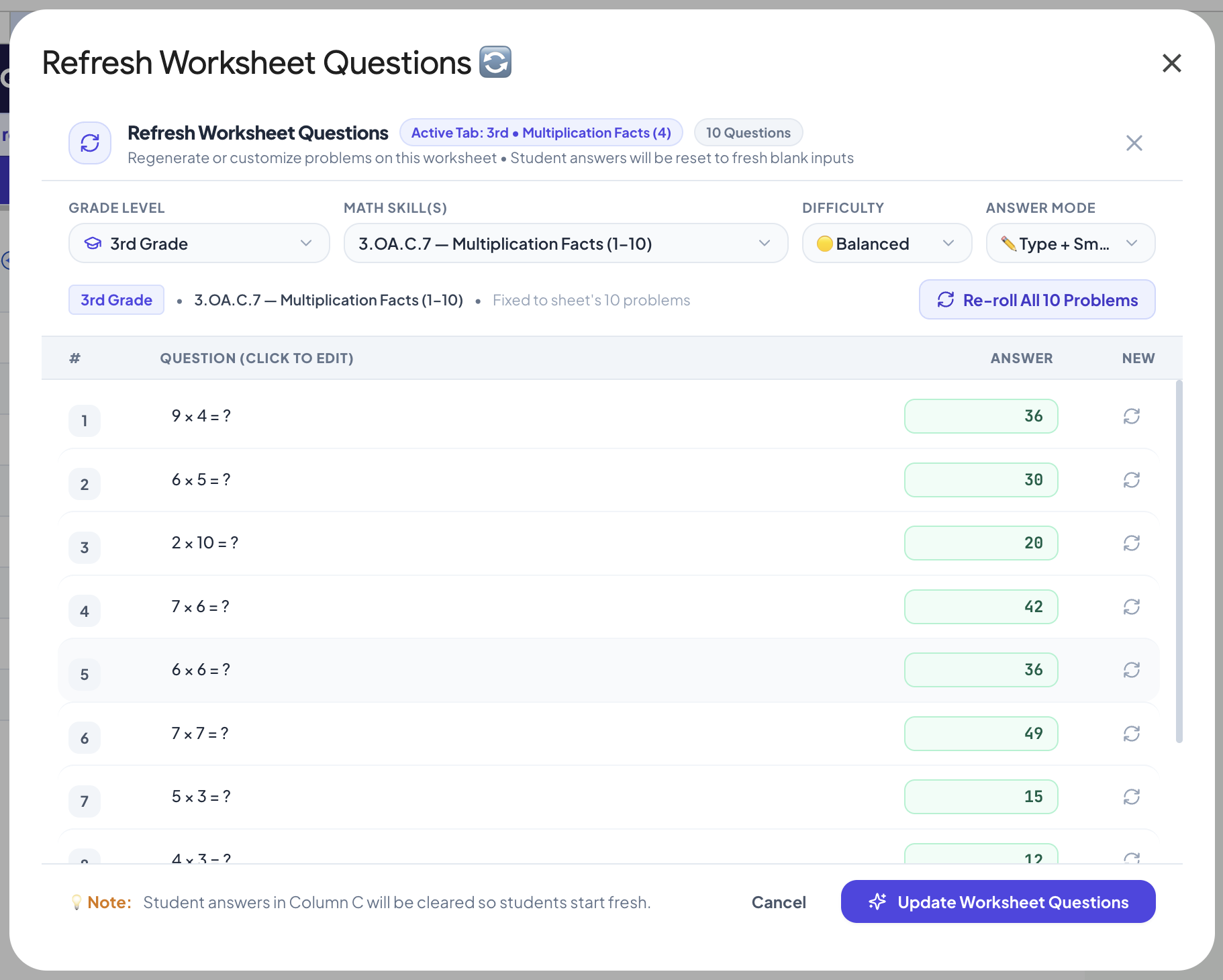
Re-roll new numbers for your math problems in 1 click while keeping your mystery artwork and formulas intact.
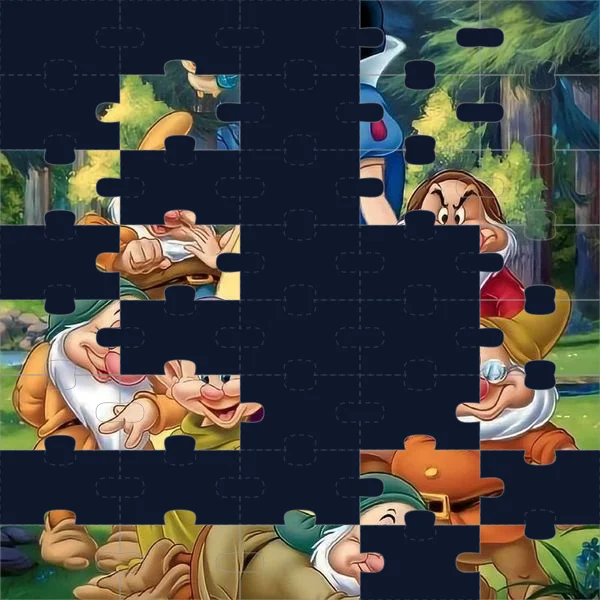
Build a mixed spiral review in under 5 minutes.
Stop the forgetting curve. Select multiple skills, pick a fun mystery theme, and re-roll questions whenever you need a fresh set.
Install Free Chrome Extension →